interactivelearningobjects.com

Interactive learning objects, built to order

Course content learners explore, not just read.

Custom HTML interactives for online and blended courses: walkable 3D spaces, 3D object explorers, branching scenarios, timelines, maps, and practice activities. Every piece is self-contained, accessible, and ready to drop into Canvas, Blackboard, Moodle, D2L, or any LMS as an embed, a link, or a SCORM package.

No plugins, no loginsSingle-file HTML that runs anywhere a browser does.
LMS-ready deliveryEmbed code, hosted link, or SCORM 1.2 / 2004 export.
Accessible by designKeyboard navigation, screen-reader labels, sensible contrast.
Yours to keepYou receive the source files; edit or rehost them any time.

Types of work

Every sample below is a live, working object. Open one, click around, and imagine it with your content.

Immersive & 3D Explore

For skills that depend on spatial understanding: assessing an environment, recognizing equipment, or practicing a setup before doing it for real.

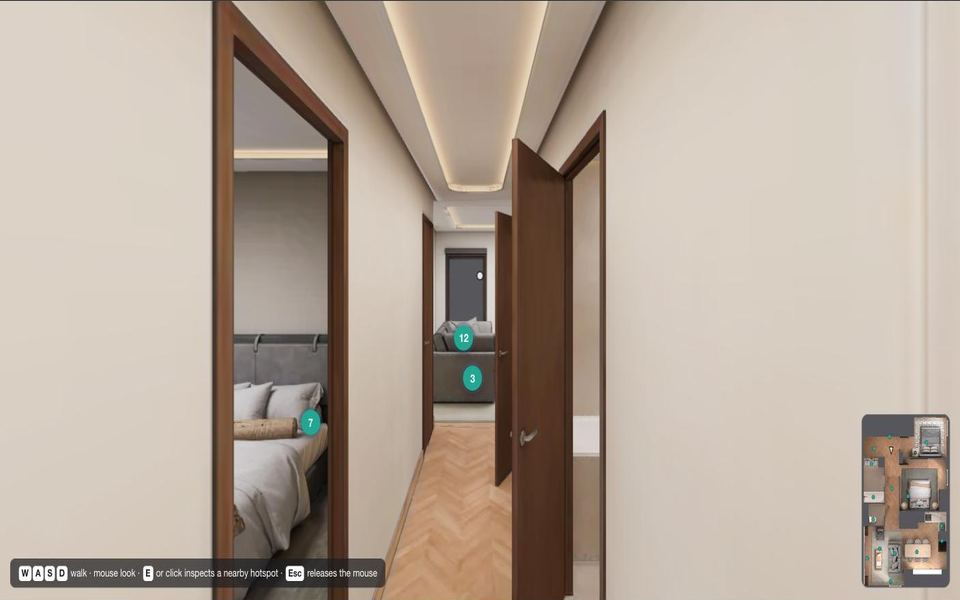
Walkable 3D spaceFirst-person walkthrough of a furnished home with guided assessment tasks and a checklist.Open sample
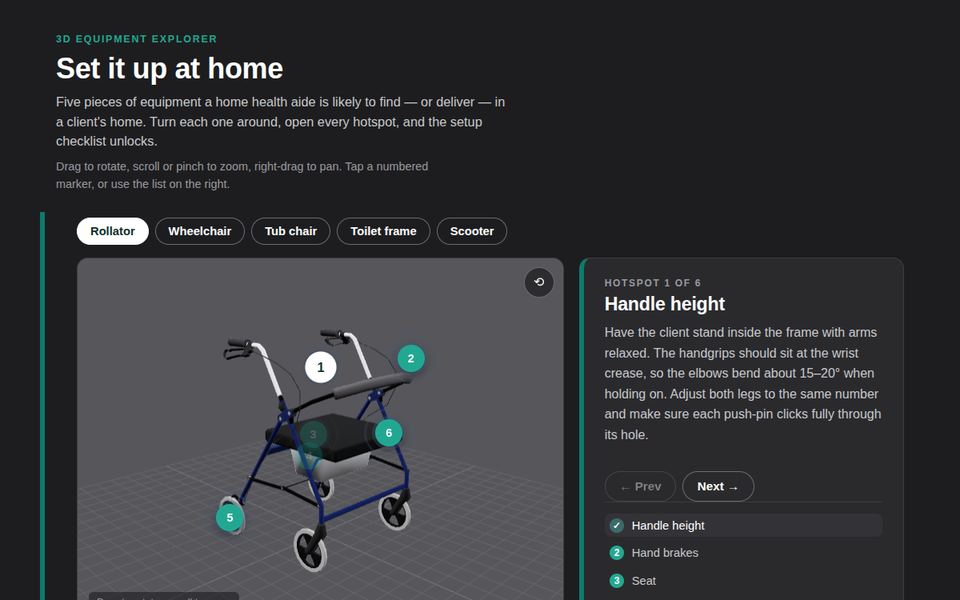
3D object explorerRotate, inspect, and label real equipment models with step-by-step setup guidance.Open sample
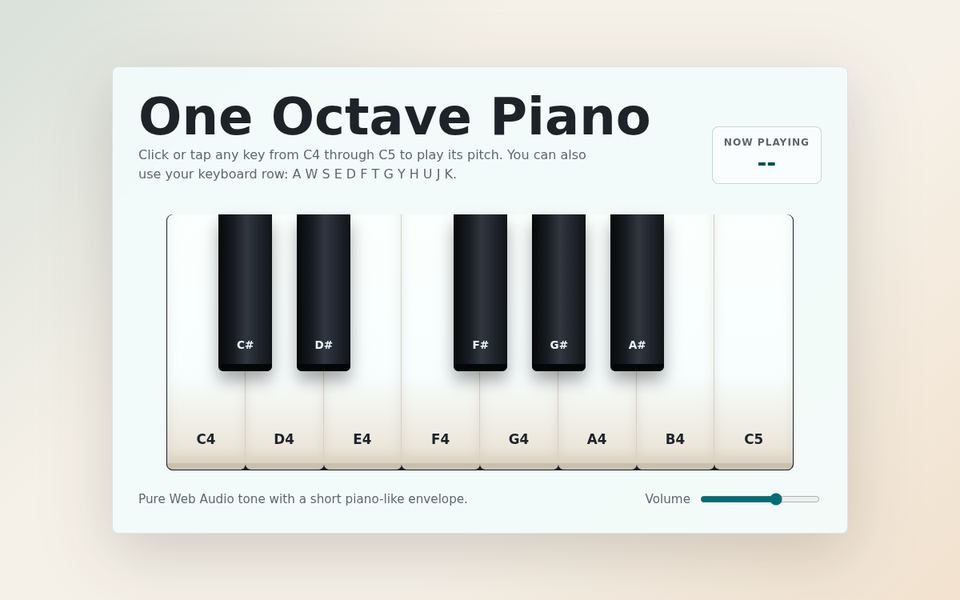
Instruments & simulatorsA playable one-octave piano with synthesis, note labels, and keyboard control.Open sample

Scenarios & storytelling Decide

For judgment-heavy topics where the right answer depends on context: ethics, communication, policy, and professional practice.

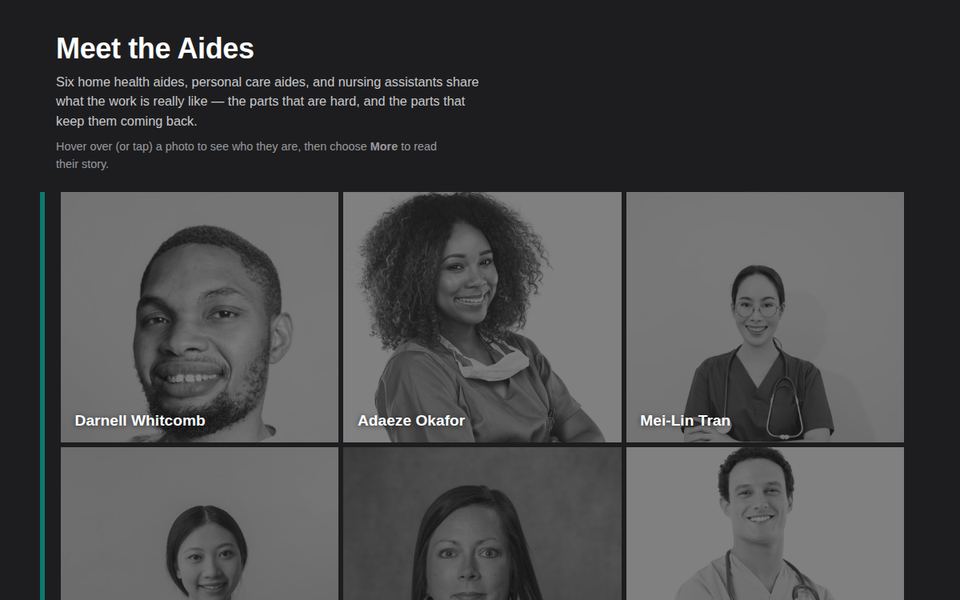
Interactive infographicProfile cards and expandable stories that turn a static handout into something explorable.Open sample
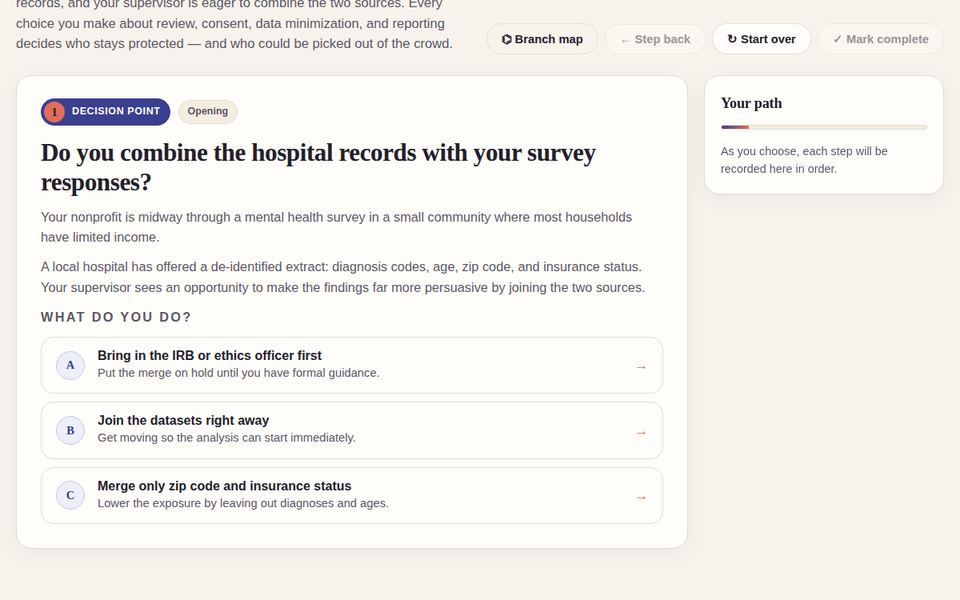
Branching scenarioA multi-path decision story with consequences, reflection prompts, and a debrief at the end.Open sample
Dialog cardsFlip-to-reveal cards for roles, terms, or conversation practice.Open sample

Visual explainers Understand

For sequences, systems, and relationships that are hard to hold in your head from a paragraph of text.
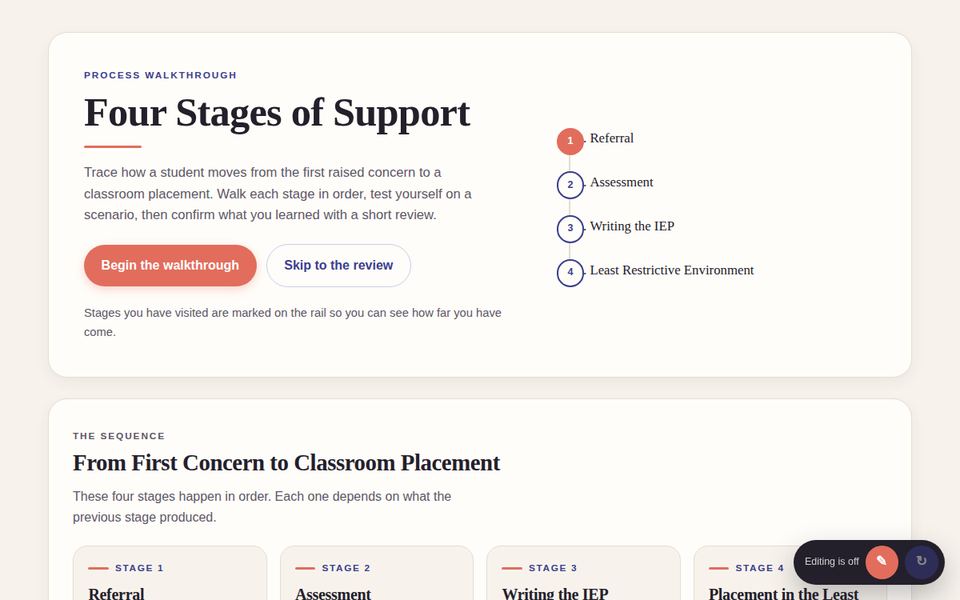
Interactive timelineA stage-by-stage process with expandable detail, key terms, and a progress indicator.Open sample
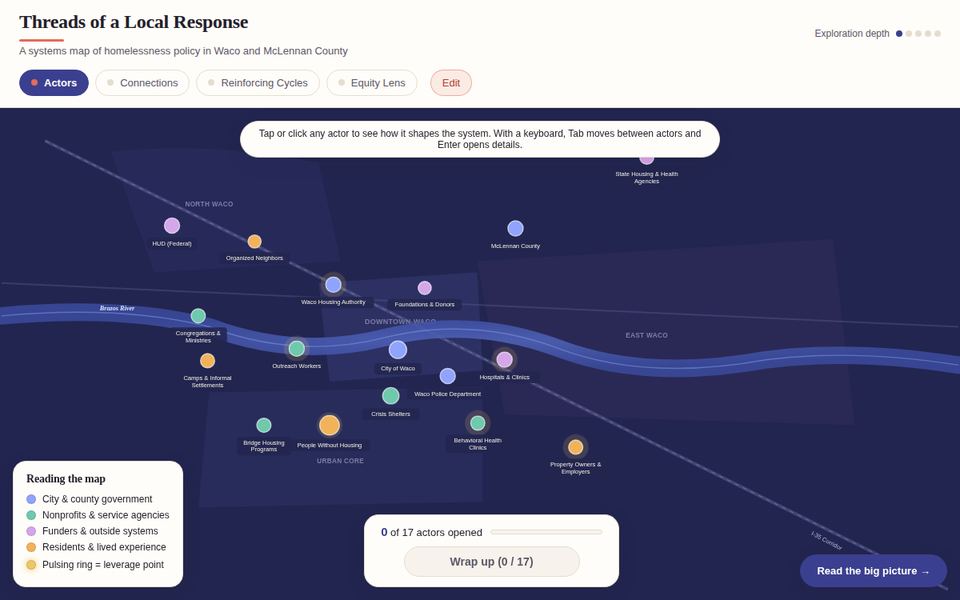
Interactive map / system diagramA policy ecosystem map with clickable nodes, relationships, and filters.Open sample

Practice & assessment Check

Low-stakes practice with instant feedback, drawn from a library of 20+ interaction types: quizzes, flashcards, drag-the-words, drag-and-drop sorting, dropdown cloze, mark-the-words, hotspots, matching, crosswords, sliders, documentation tools, and more. Each one can report a score to your LMS gradebook when packaged as SCORM.
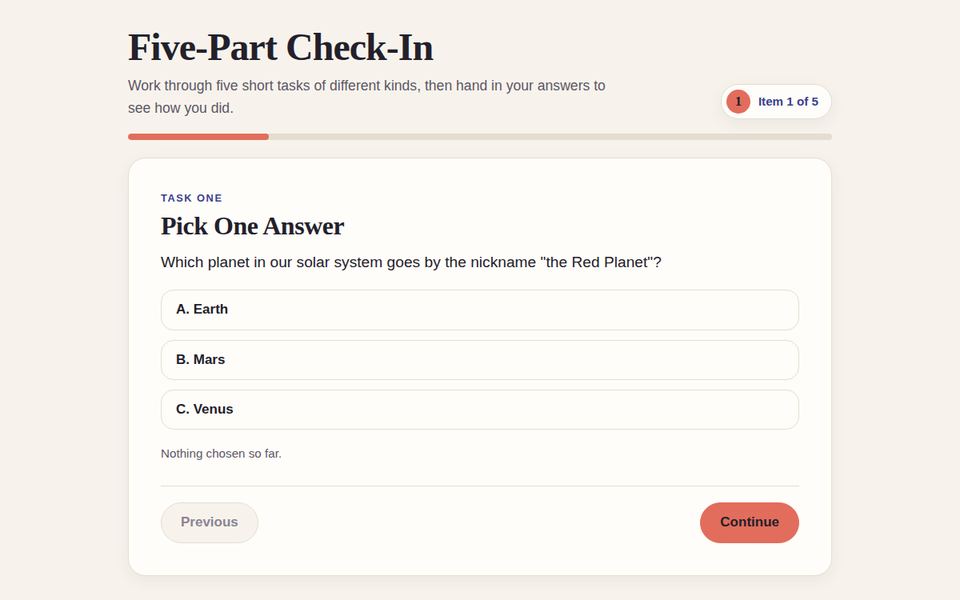
Quiz setMixed question types with feedback, retry, and a summary score.Open sample
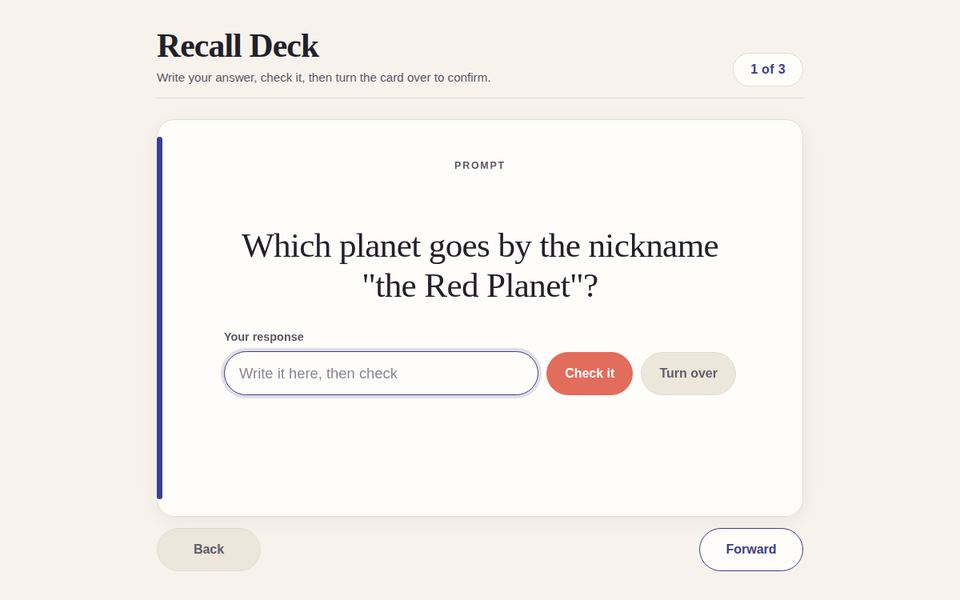
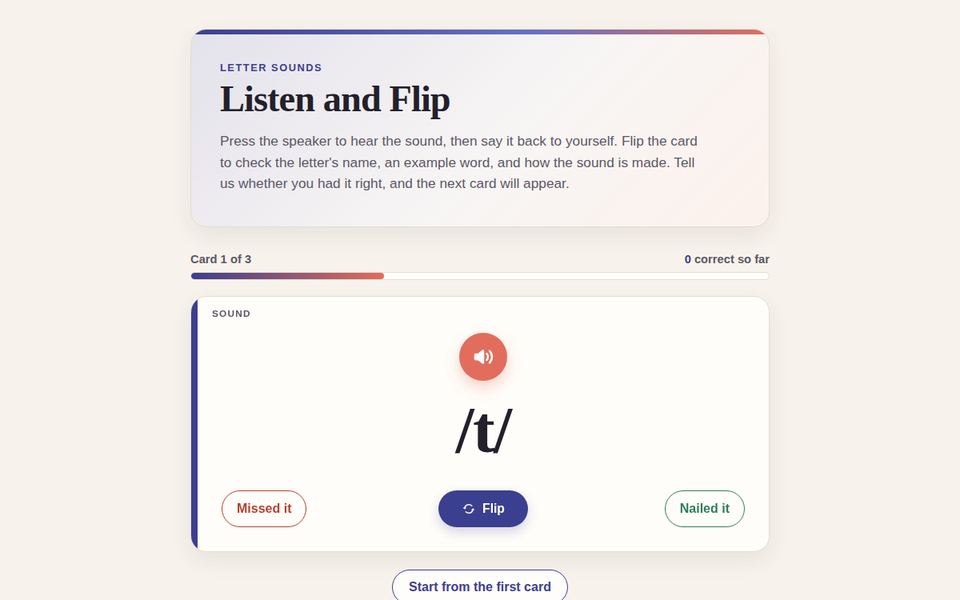
FlashcardsFlip, shuffle, and self-rate cards for terminology and recall.Open sample
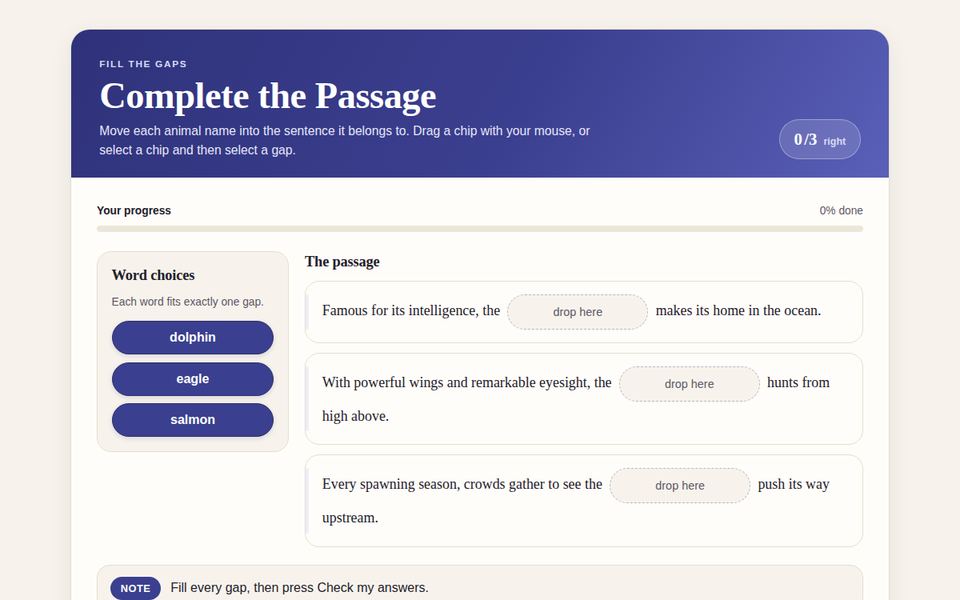
Drag the wordsFill-in-the-blank by dragging terms into a passage.Open sample
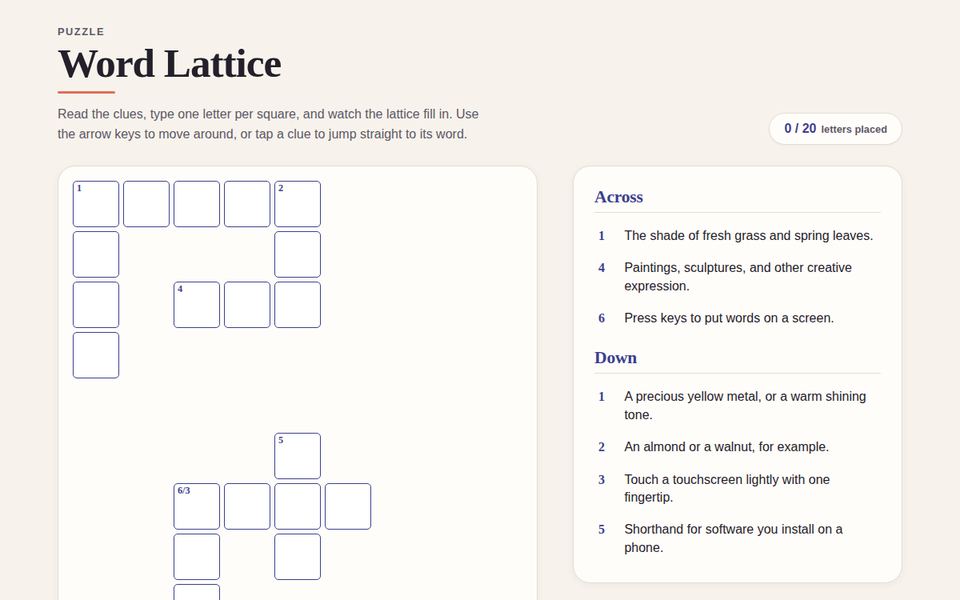
CrosswordA vocabulary crossword with hints and checking.Open sample

Also available: drag-and-drop sorting, dropdown cloze, mark-the-words, find-the-hotspot, image and movement sliders, term and picture matching, puzzles, and Unity-built WebGL simulations. If you can describe the interaction, it can probably be built.
Virtual field trips & branching scenarios

Two formats that do the most work in online courses: putting learners somewhere they can't easily go, and putting them in a decision they have to own.

First-person view walking through a furnished apartment with numbered hotspots

Virtual field trips

A real place, rebuilt in the browser, that learners walk through at their own pace. Hotspots hold the expert commentary you'd give on a site visit, a checklist tracks what they've inspected, and it all runs without an app or a headset.

  • Clinical and home-care environments, labs, worksites, historic sites, and facilities
  • Built from photogrammetry, 3D models, or 360° photo captures
  • Optional notes panel and completion tracking for graded use
Walk through the sample ↗
Branching scenario screen presenting a decision with three options

Branching scenarios

A story that changes based on what the learner decides. Each choice leads somewhere plausible, consequences accumulate, and a debrief at the end connects the path they took back to the concepts in the course.

  • Ethics, communication, policy, safety, and professional-judgment topics
  • Written with you from real cases; multiple endings and a "your path" summary
  • Reports completion or a score to the LMS when packaged as SCORM
Play the sample ↗

How a project works

Most objects go from first call to delivery in one to three weeks, depending on scope.

01 — CONSULTA free 30-minute call to understand the learning goal, your content, and where the object will live.
02 — PROTOTYPEA working draft with placeholder content so you can react to the interaction before the details are locked.
03 — BUILDYour content, media, and feedback go in. Accessibility and mobile behavior are checked along the way.
04 — DELIVERFinal files as embed code, a hosted link, or a SCORM package, plus a short guide for updating it later.

Schedule a consultation

Tell me a little about the project. When you submit, you'll be taken straight to the booking calendar with your answers attached, so we can make the most of the call.

Opens the scheduling calendar in a new tab. No account needed.

Please fill in the required fields (name, email, type of object, and description).